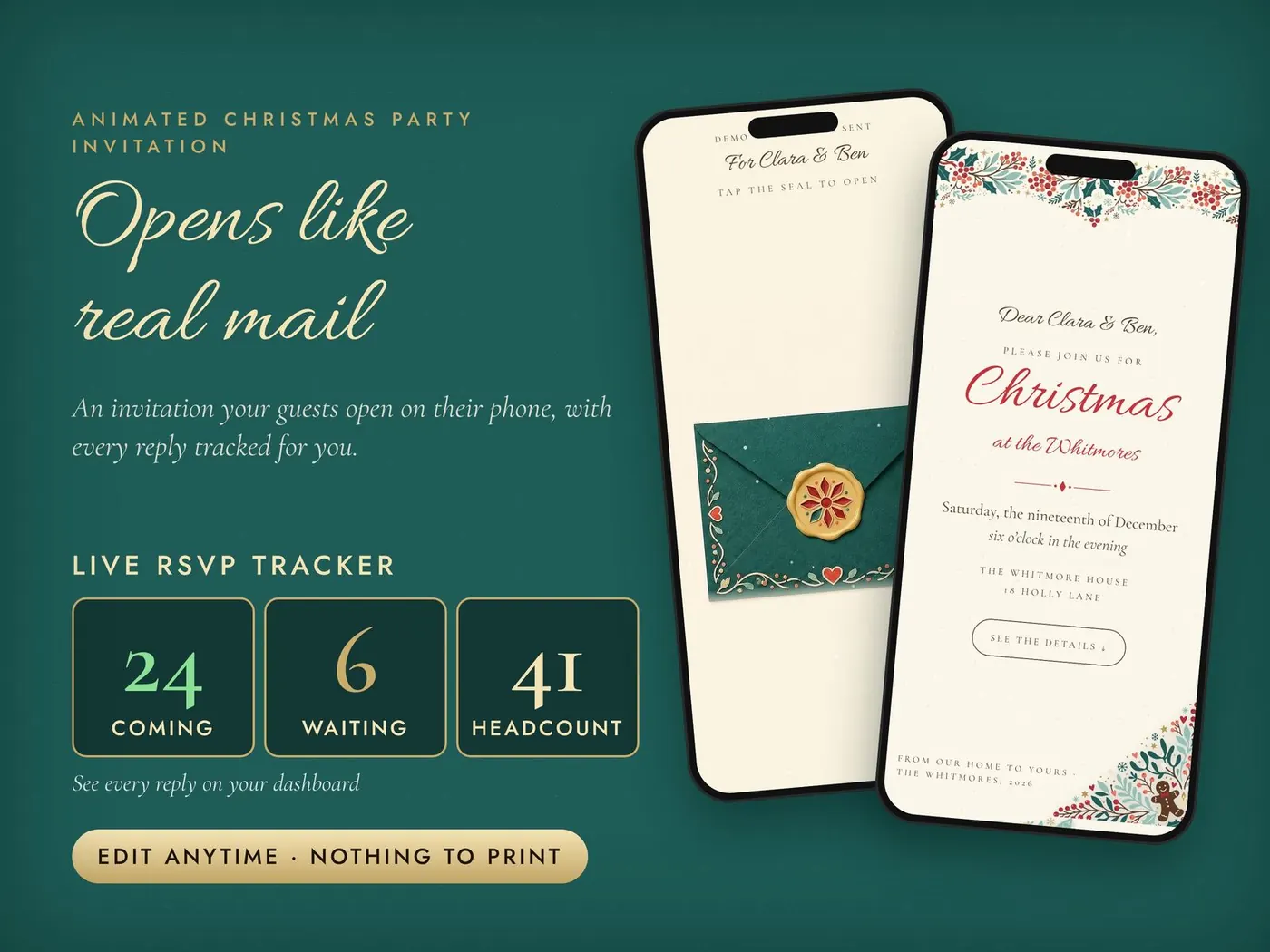
A folk-art Christmas invitation guests open like real mail.
Each guest gets their own private link. They see a deep-teal folk-art envelope with their name on it, tap the gold wax seal, and watch it crack open to cream paper framed with holly, berries, birds and folk flowers.
Nothing to download for your guests · works on any phone
The envelope opening on a phone · no sound
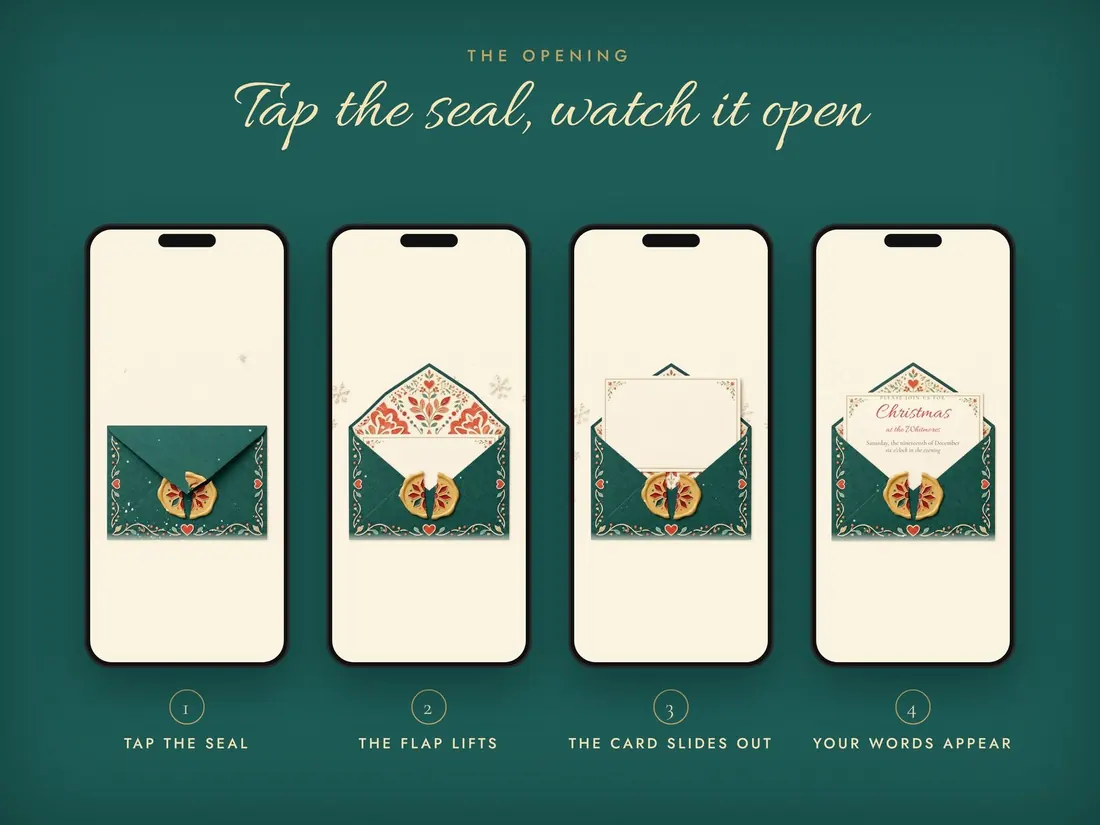
Tap the seal, watch it open.
The folk-art flap lifts, the card slides out and your words appear, with soft music and a little sparkle. It feels like real mail, on any phone.
Everything for the night, in one link.
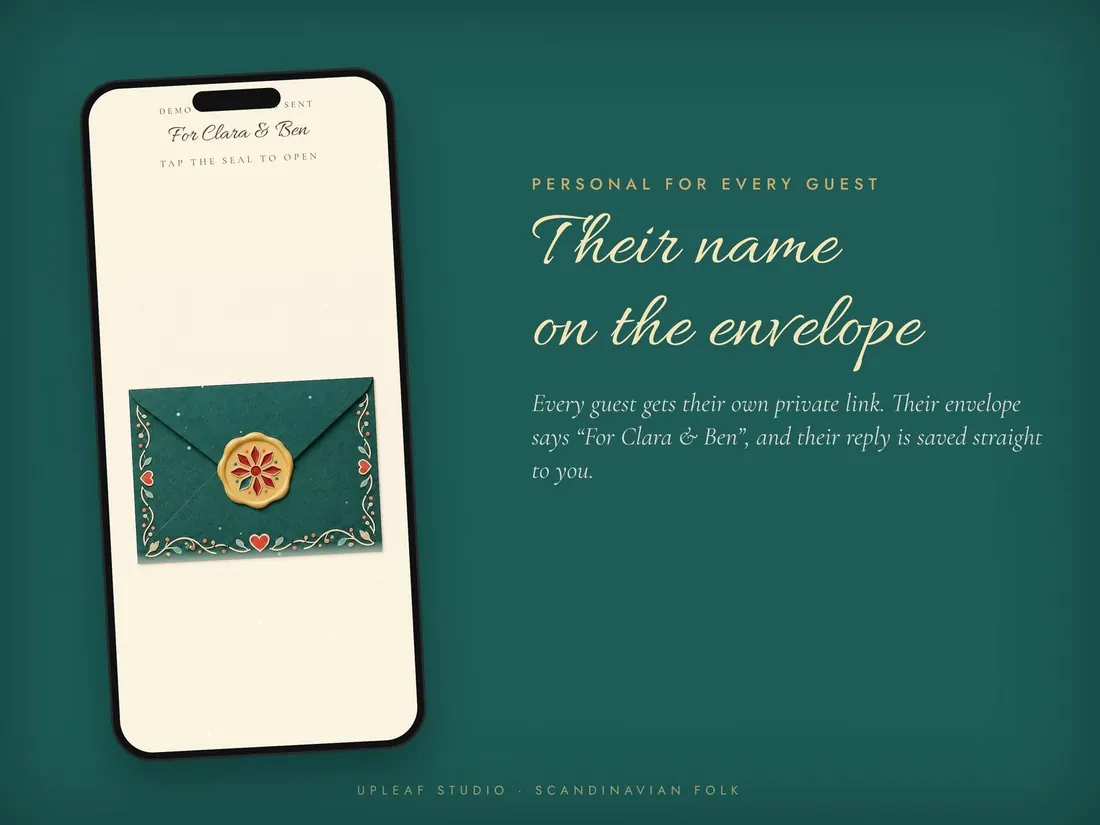
Their name on the front
Every guest gets their own private link with their name on the front, and their reply is saved straight to you.
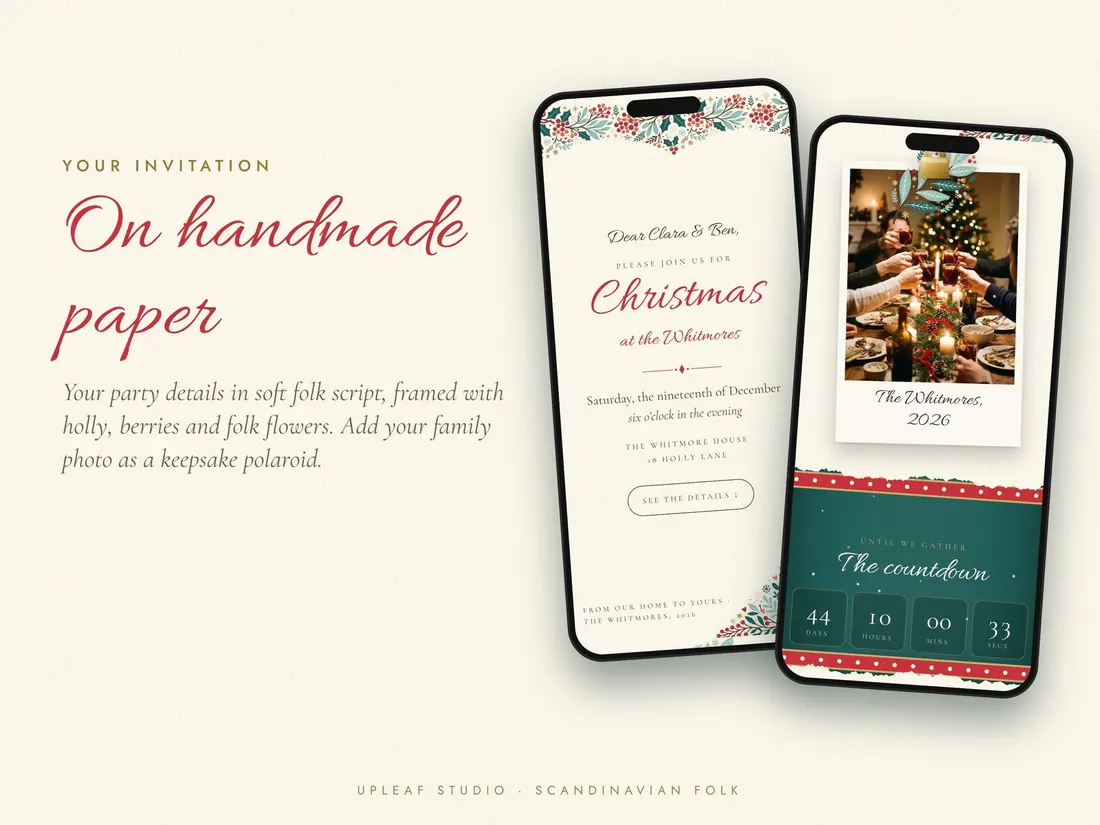
On handmade-style paper
Your party details in elegant script, with your family photo as a keepsake polaroid.
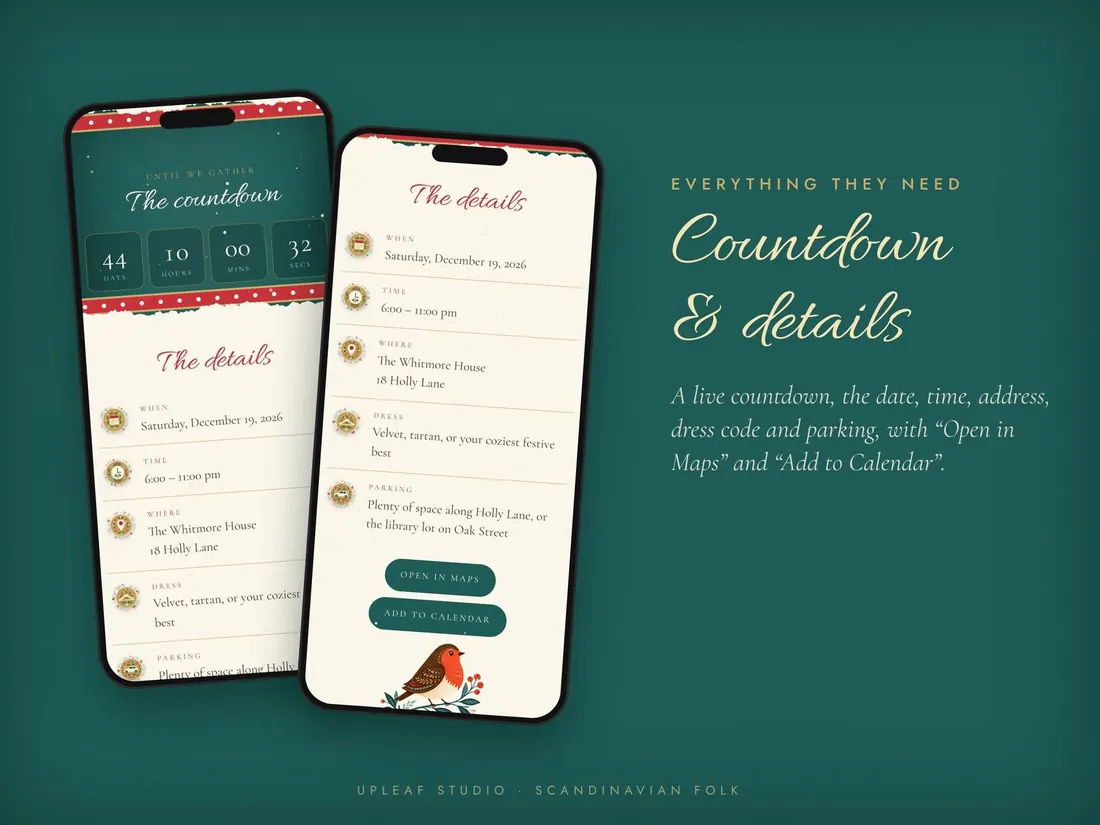
Countdown & details
A live countdown, the date, time, address, dress code and parking, with “Open in Maps” and “Add to Calendar”.
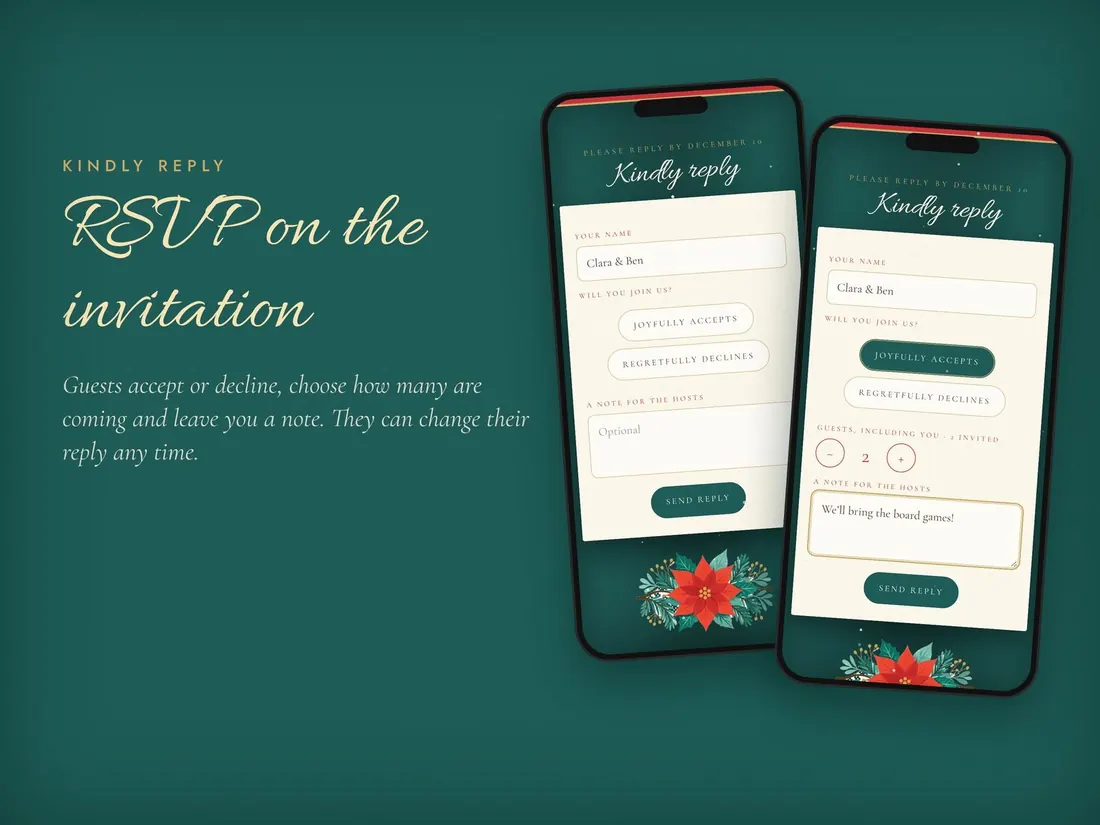
RSVP in one tap
Guests accept or decline, choose how many are coming and leave you a note. They can change their reply any time.
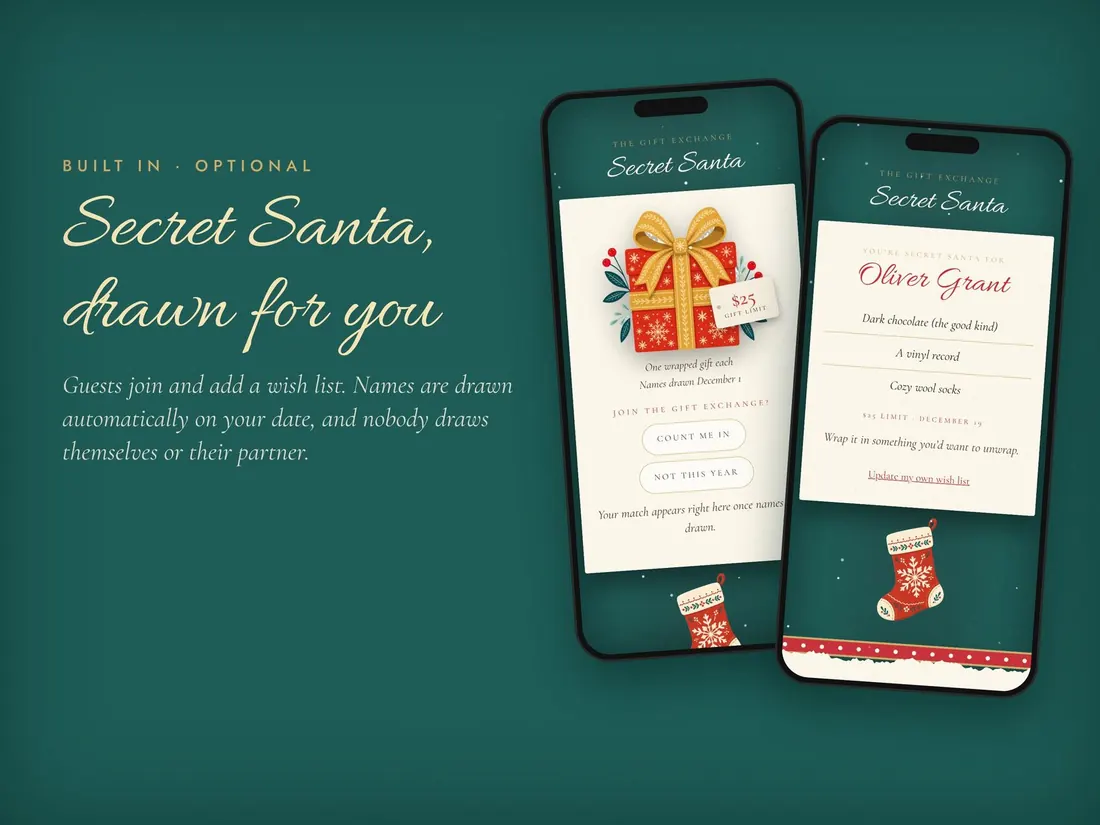
Secret Santa, drawn for you
Guests join and add a wish list. Names are drawn automatically on your date, and nobody draws themselves or their partner.
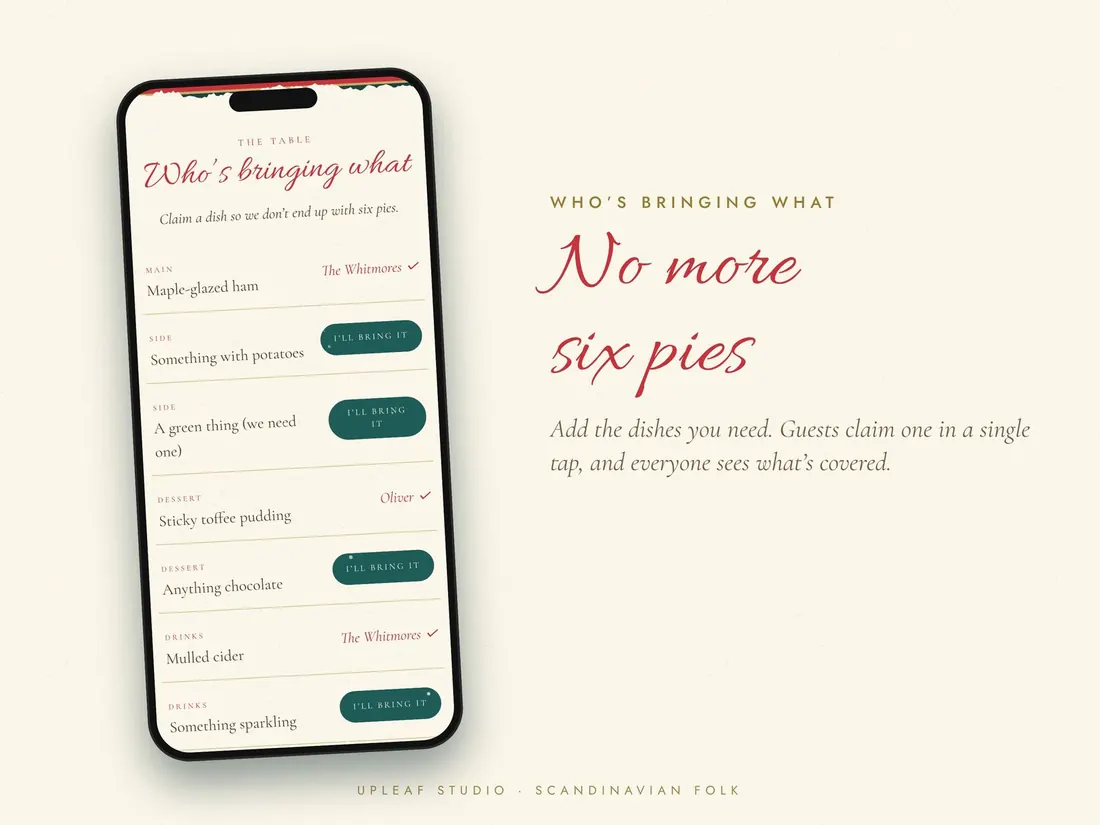
Who’s bringing what
Add the dishes you need. Guests claim one in a single tap, and everyone sees what’s covered.
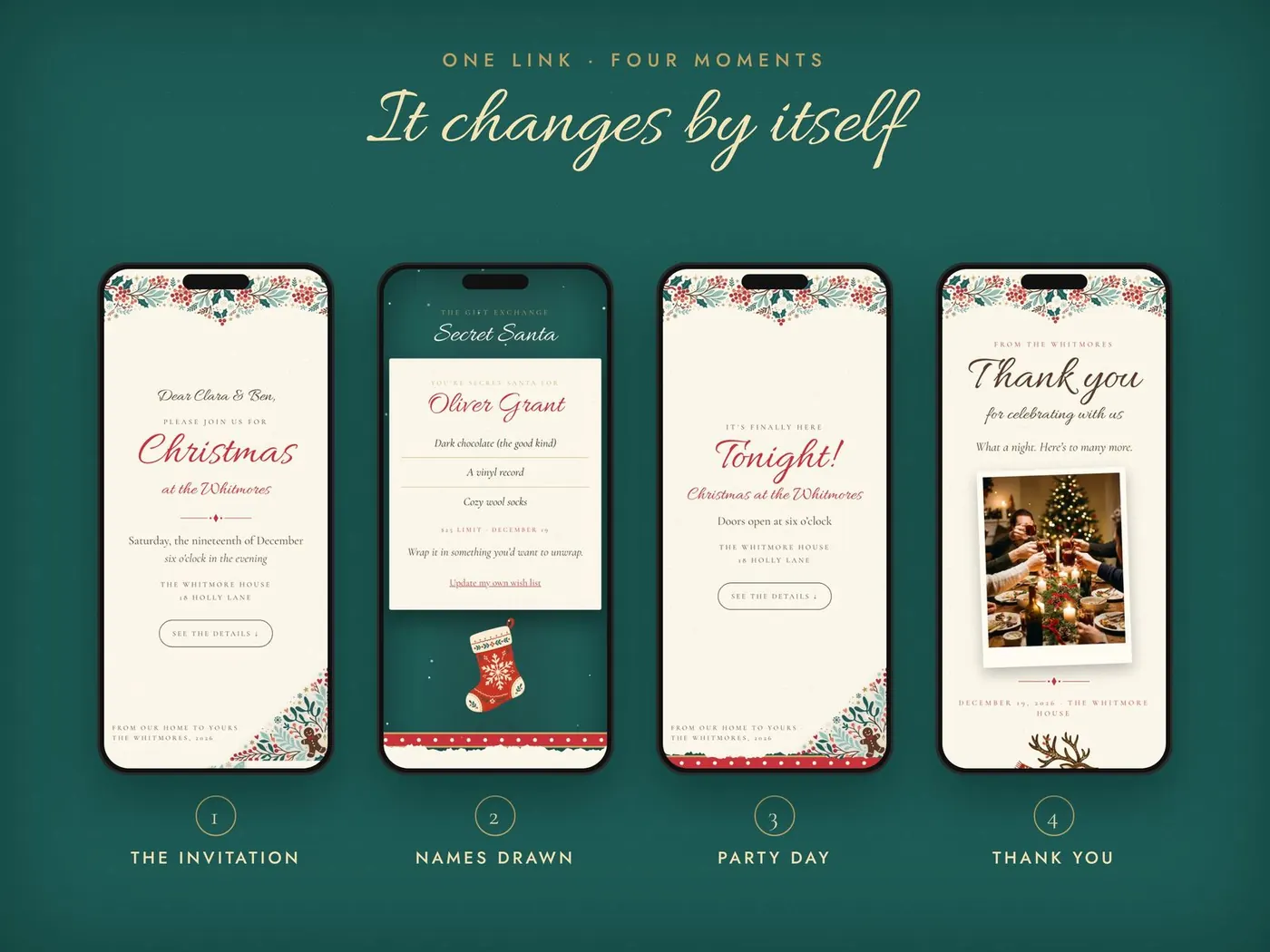
It changes by itself as the party gets closer.
1. The invitation · 2. Names drawn · 3. Party day · 4. Thank you
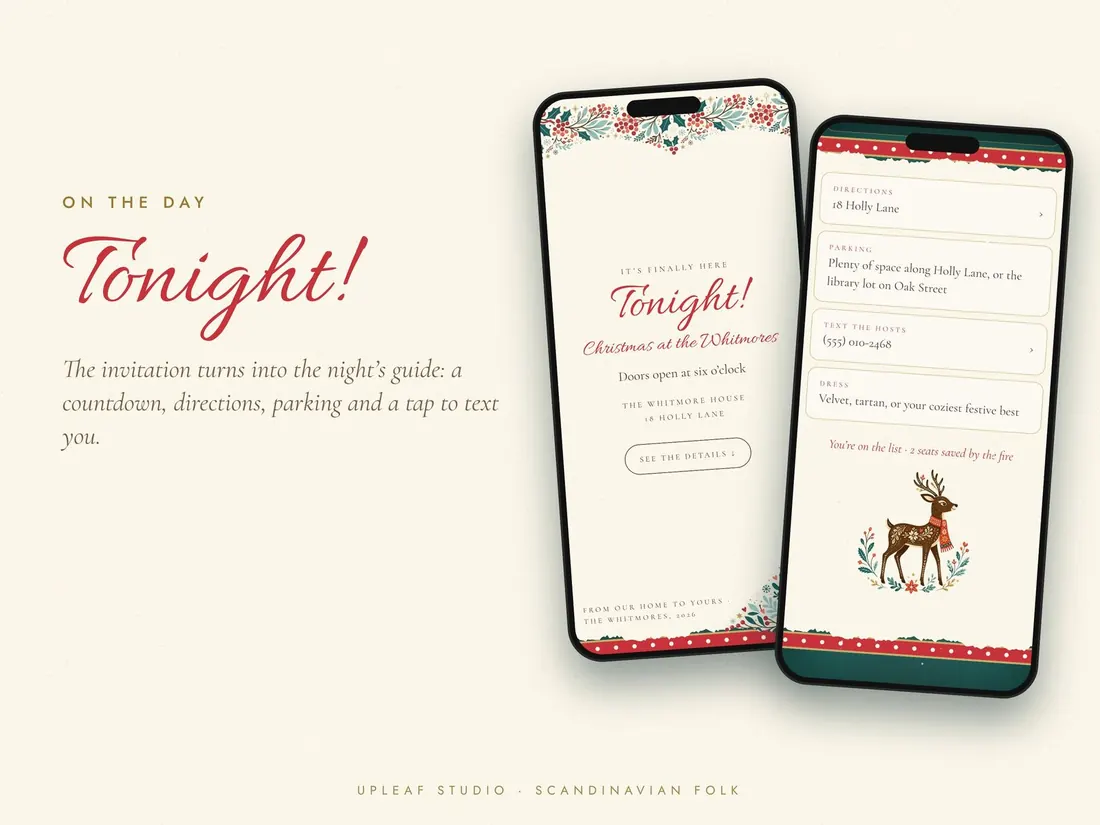
Tonight!
On the day, the invitation turns into the night’s guide: countdown, directions, parking and a tap to text you.
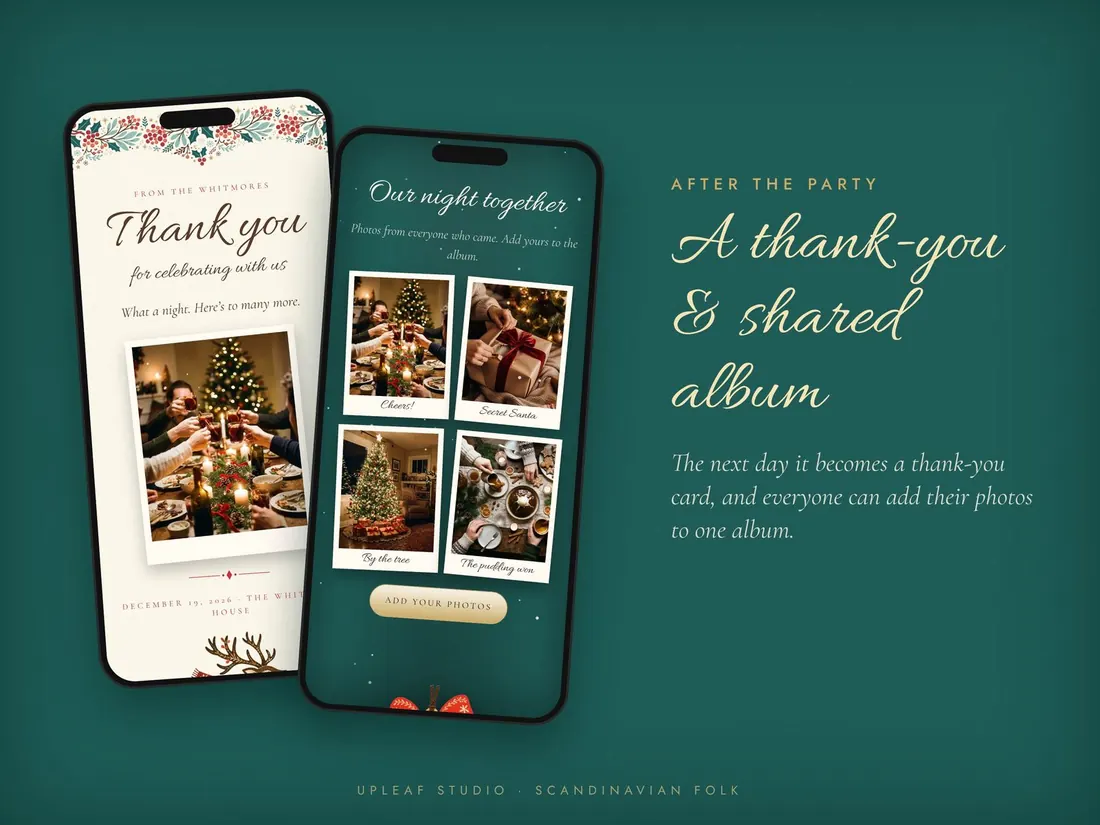
A thank-you & shared album
The next day it becomes a thank-you card, and everyone can add their photos to one album.
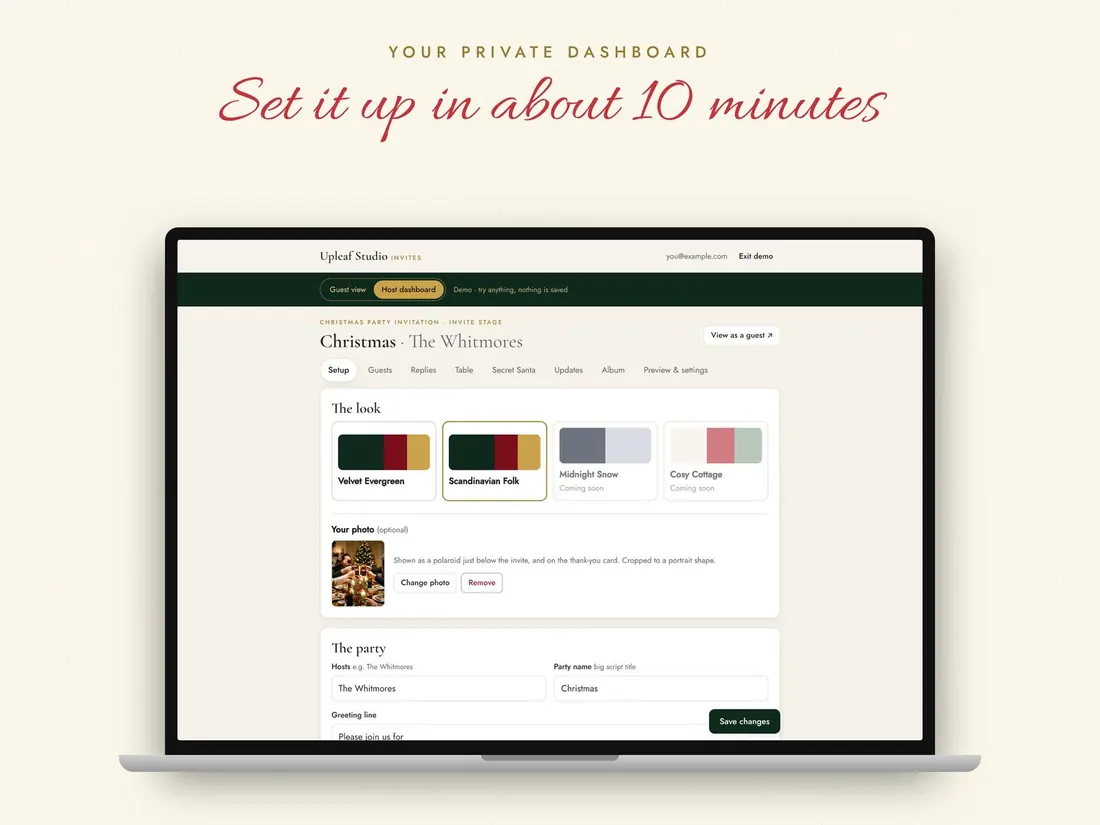
Set it up in about 10 minutes.
Add your party details, photo, Secret Santa and dishes. Edit any time; guests always see the latest version on the same link.
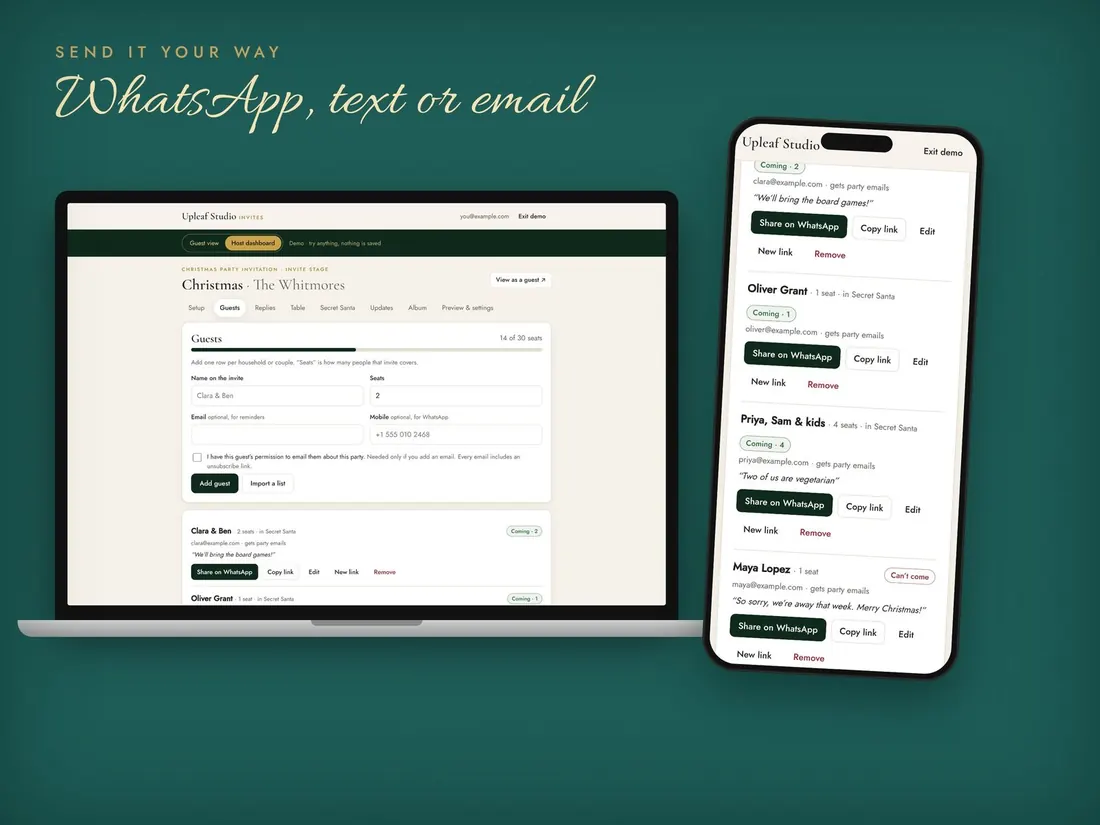
Send it your way
Copy each guest’s private link and share it by WhatsApp, text or email.
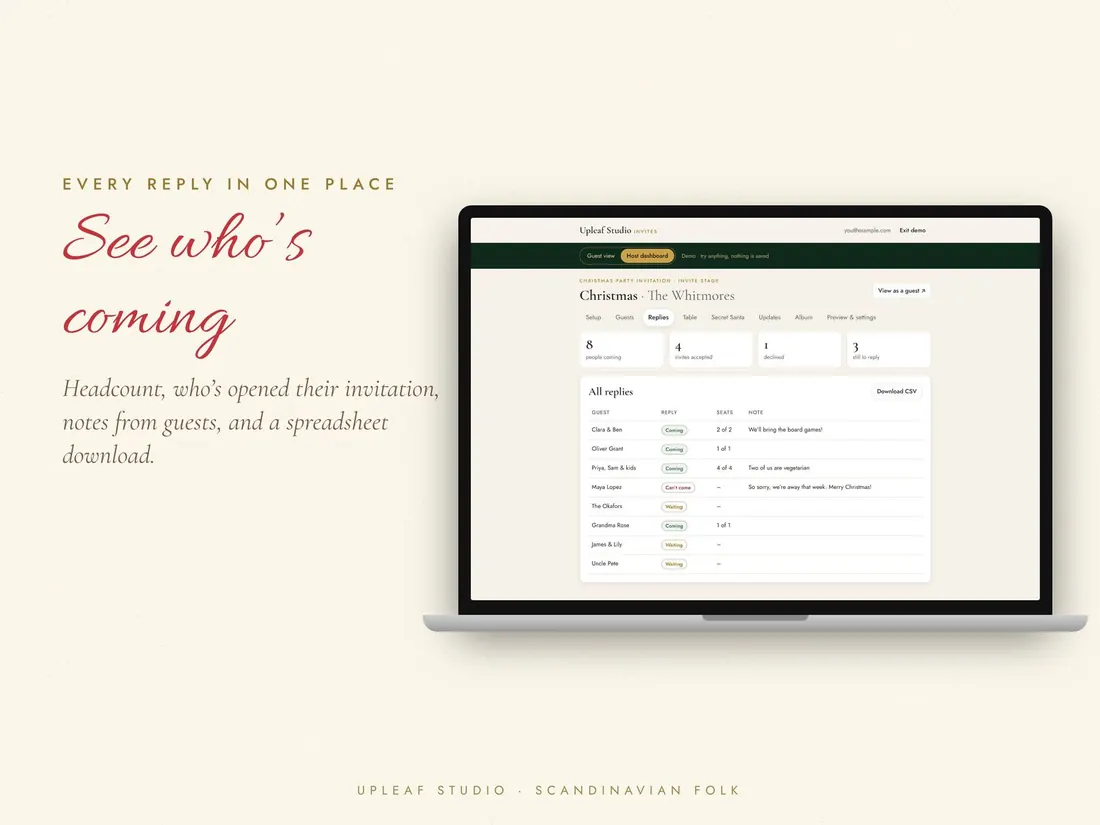
See who’s coming
Headcount, who has opened their invitation, notes from guests and a spreadsheet download.
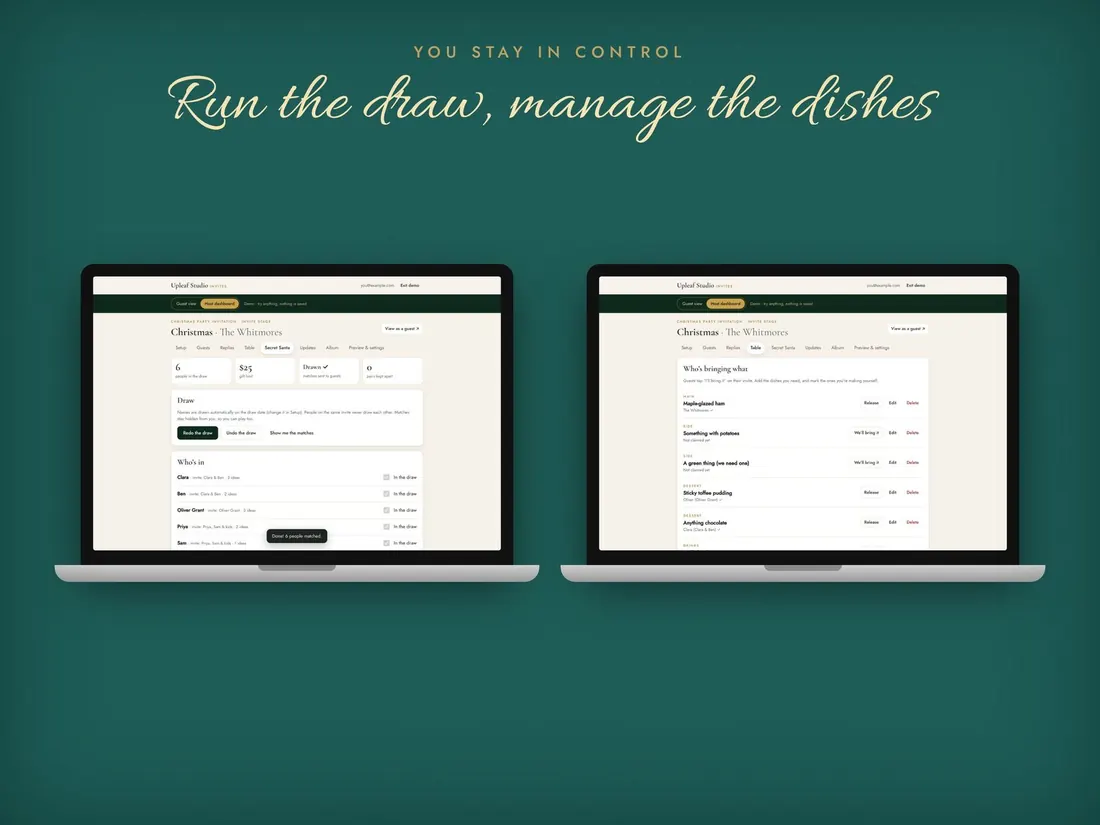
Run the draw, manage the dishes
You stay in control of Secret Santa and the dish list.
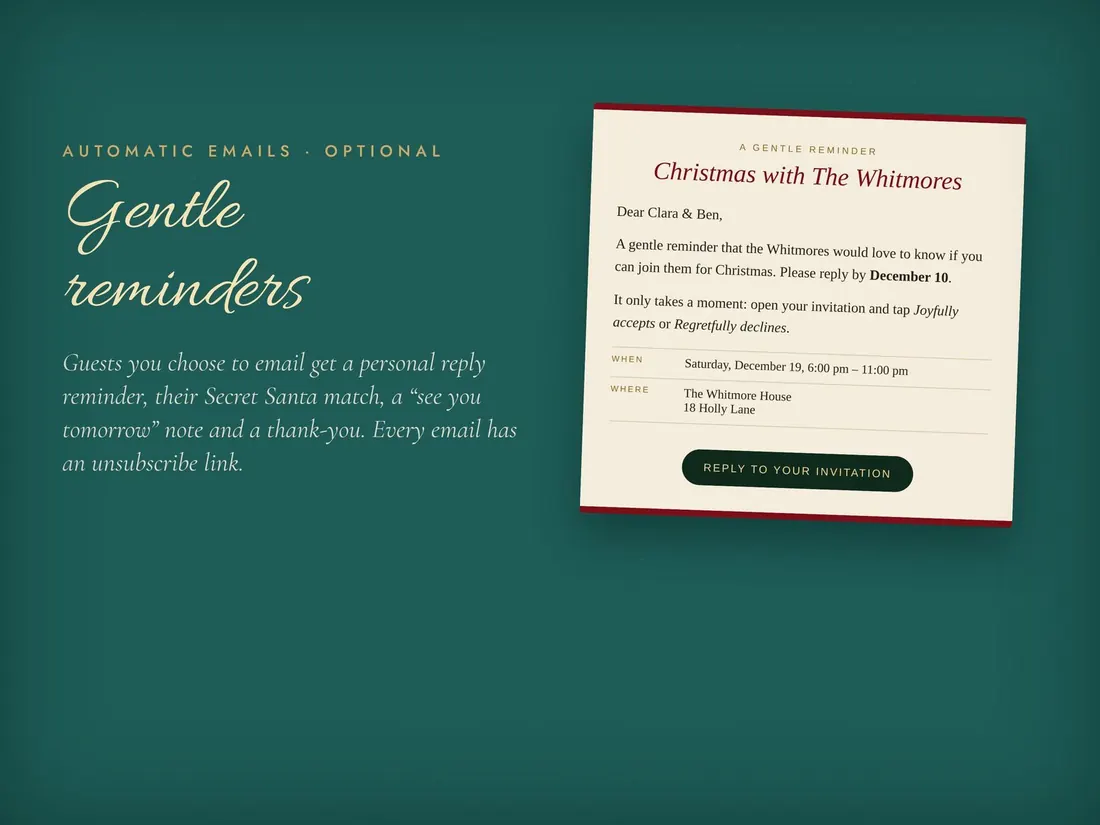
Gentle reminders (optional)
Guests who agree get an RSVP reminder, their Secret Santa match, a “see you tomorrow” note and a thank-you.
A walkthrough of the whole invitation · no sound
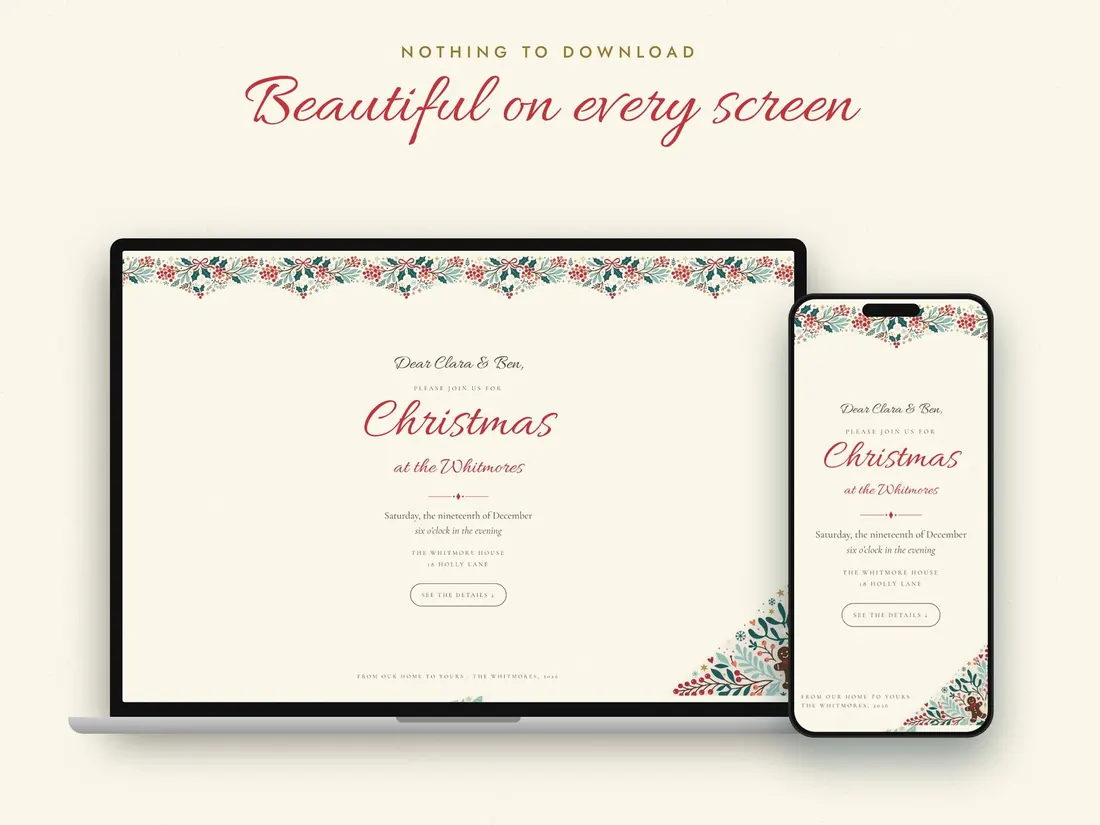
Beautiful on every screen.
Phone, tablet or computer. Guest links are private and hidden from search engines.
From checkout to “you’re invited”
Buy
Checkout by Gumroad in a minute.
Get your PDF
Your unlock key arrives with your receipt email.
Unlock
Enter the key and your email at the link in the PDF.
Personalise
Party details, photo, Secret Santa and dishes.
Send
Share each guest’s link by WhatsApp, text or email.
One event, up to 75 guests.
- Animated envelope opening with each guest’s name
- RSVP with headcount and notes
- Secret Santa with automatic draw
- Countdown, Maps and Calendar
- Who’s bringing what
- Party-day guide, thank-you card and shared album
- Private host dashboard; edit any time
- Optional reminder emails
Secure checkout by Gumroad · unlock key PDF by email
Scandinavian Folk
Deep teal, cherry red and cream with folk-art birds, deer and hearts. The unlock key from this order works for this design only.
Small studio. Real replies.
Upleaf Studio is a small, independent studio. We design, build and look after every tool ourselves, and we keep them simple on purpose: one clear job, done well, paid for once.
If something doesn’t work the way you expected, write to us. The person who built it reads every email and replies, usually within a day.
The Upleaf Studio team
- Try it before you payOpen the live demo on your phone: the guest view and the host dashboard. Nothing is sent.
- Paid onceNo subscription and no renewal emails. Updates are free.
- A real person answershello@up-leaf-studio.com, usually within a day.
- Clear refund policyRead it before you buy: refund policy.
Questions hosts ask
Do my guests need an app or an account?
No. Each guest opens their own private link in any browser on their phone, tablet or computer.
How many guests does it cover?
One order covers one event for up to 75 guests. “Guests” means people, so “Priya, Sam & kids” uses 4.
How do I get it after I buy?
Your receipt email has a PDF with your unlock key. Open the link in the PDF, choose “I bought on up-leaf-studio.com”, enter the key and the email you used at checkout, and your event opens straight away.
Can I change things after I send it?
Yes. Edit any time. Guests always see the latest version on the same link.
Can I add my own photo?
Yes. Add a family photo and it appears as a keepsake polaroid. You can also add a monogram to the seal.
Do you email my guests?
Only if you add a guest’s email with their permission. Then they can get a gentle RSVP reminder, their Secret Santa match, a “see you tomorrow” note and a thank-you. Every email has an unsubscribe link.
Is it printed or shipped?
No. It’s a digital invitation. Nothing is printed or shipped.
Can I try it first?
Yes. Open the live demo on your phone: the guest view and the host dashboard. Nothing is sent from the demo.
What if I need help?
Email hello@up-leaf-studio.com and a real person answers, usually within a day.
Same magic, a different look.
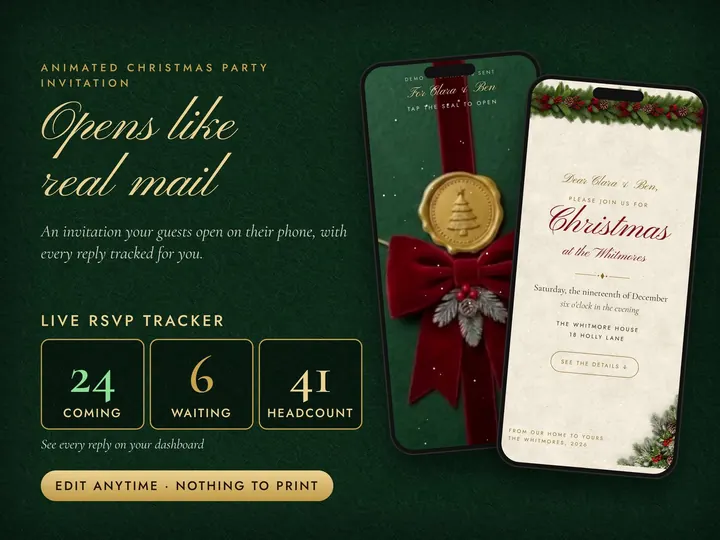
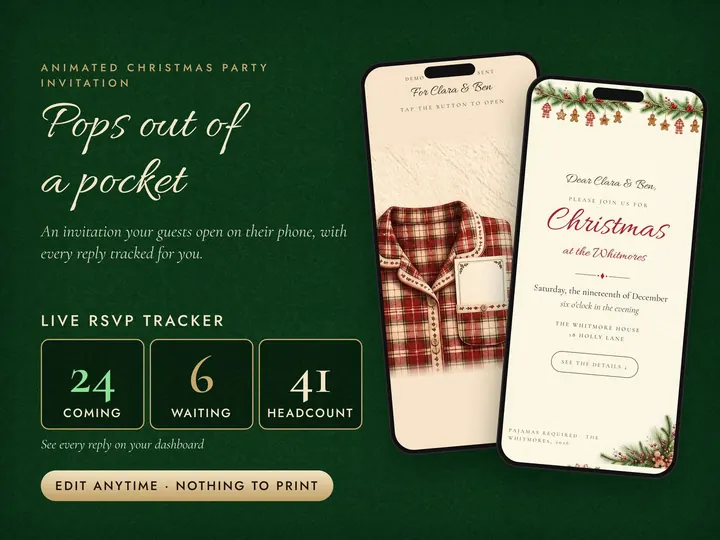
Make the invitation part of the party.
Questions about your invitation?
Not sure which design fits your party, or stuck on setup? Send a note and you’ll hear back from the person who built it, usually within a day.